How do I move multiple items within Studio
2 min
Question
How do I move multiple items within the Activate Studio Explorer at a time?
Answer
- Within Activate Studio Explorer click Show SubItems as a List
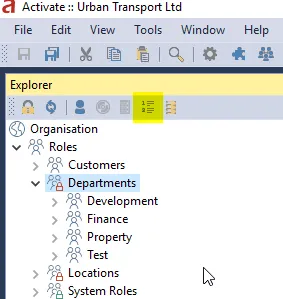
- A SubItems tab will show listing the subitems of the currently selected object, select the items to move, then right click and select Cut.
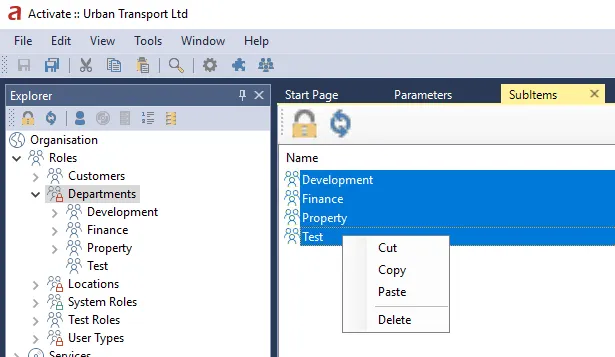
- Then select the new parent and Paste
- It's good practice to refresh the entire tree at this point